Comet Browser – Browsing Reimagined with AI
 October 23, 2025
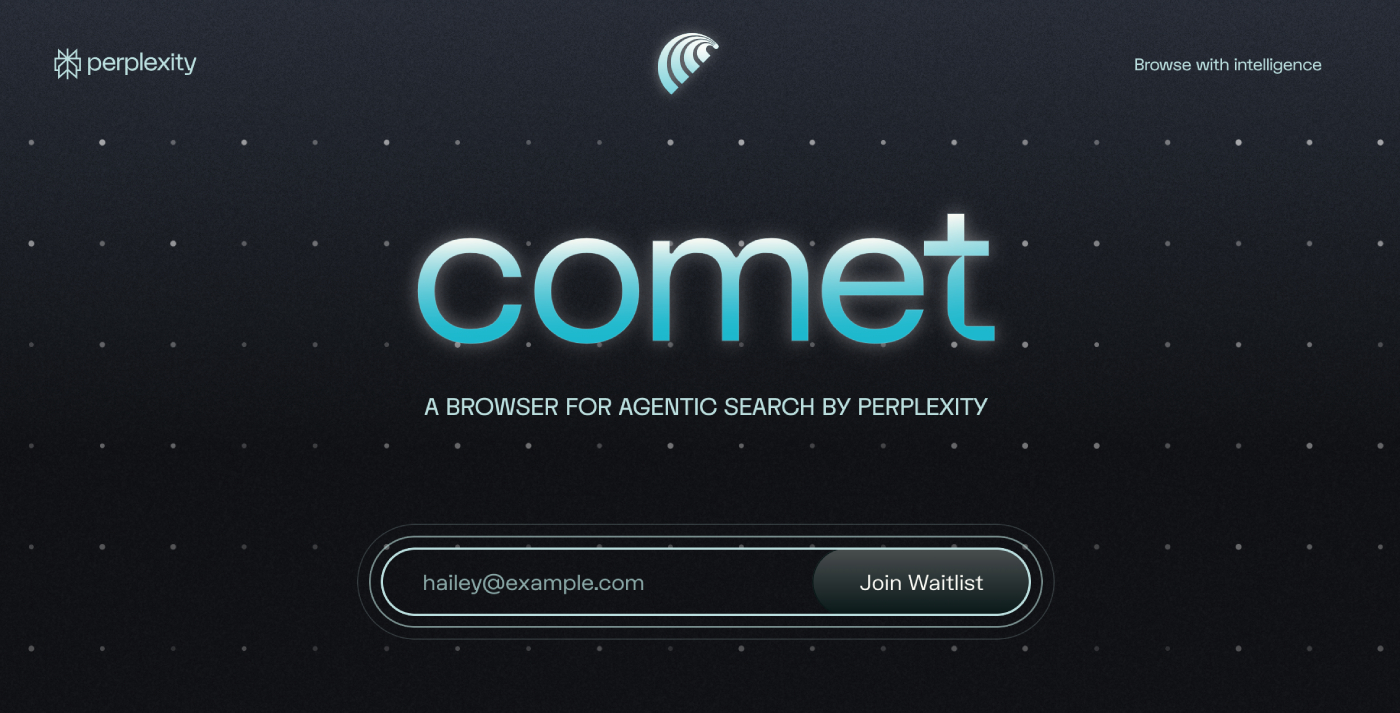
In a world where web browsing is overloaded with tabs, ads, and repetitive workflows, Comet Browser aims to reset the standard. Built by Perplexity, Comet isn’t just a browser — it’s an agentic AI assistant baked into your web experience.
🔍 What is Comet?
Comet Browser is designed to go beyond the usual search + browse routine. Here’s how it defines itself:
- It offers an AI Assistant in-browser that can respond to queries, summarize pages, manage tabs, and even perform tasks for you.
- It replaces or augments traditional search results — the browser shows distilled answers and relevant links.
- It introduces the concept of “agentic browsing” — the browser can act (within limits) on your behalf: tab management, email/calendar tasks, workflow automation.
🚀 Key Features
Here are some of the standout features of Comet Browser:
- Comet Assistant Sidebar: On any webpage, you can open the assistant and ask it questions like “Summarize this page”, “What are the key points?”, or “Group my research tabs into collections”.
- Tab & Workflow Management: You can ask the browser to close unused tabs, group your research, highlight key items, or check what’s on your schedule.
- Agentic Actions: Beyond suggestions — the browser can take action (for users who enable connectors) like drafting emails, scanning documents, closing distractions. For example: one tester reported it unsubscribed from promotional emails automatically.
- AI-Native Search: Instead of just showing links, Comet tries to provide semantic answers first. It’s built to make “asking” as natural as “searching.”
- Early Access & Freemium Model: At the time of writing, Comet is rolling out via invite or waitlist, with free and pro tier options.
✅ Why it matters for users
- For productivity: fewer tabs, smarter summarization, less clutter = more focus.
- For research & learning: the assistant helps you navigate large amounts of content more quickly.
- For workflow: whether you’re a student, creator, or professional, you can ask the browser to assist in tasks rather than only browsing.
- For the future of browsing: As AI integrates deeper into web tools, Comet is one of the first to treat the browser as a collaborative assistant rather than just a viewing tool.
⚠️ Things to watch / Considerations
- Privacy & Security Risks: Agentic browsing means the browser may have permissions or access to personal data (emails, calendar, tabs). Researchers have already found vulnerabilities with Comet: a prompt-injection attack (“CometJacking”) could hijack the assistant via a crafted URL. “A single malicious URL can hijack Comet AI browser, exfiltrating emails, calendar, and user memory via encoded payloads.”
- Maturity and Reliability: While powerful, some of the agentic features are still early-stage. For example: the browser might perform slower than doing the task manually.
- Learning Curve & Trust: Users need to trust the assistant and define clear permissions. Over-automating tasks may lead to unexpected outcomes if the assistant misinterprets requests.
- Compatibility & Ecosystem: Since it’s early access and invite only (in many cases), extension support, plugin ecosystem and cross-device integration may not yet match mature browsers.
🧭 What this means for platforms like Hereco
As we at Hereco stay tuned to the evolution of AI + web experiences, Comet Browser signals some important directions:
- Content Structure: With AI browsers summarizing content and acting on it, websites need clean structure, semantic markup, and accessible content.
- User Flow and Engagement: As assistants become part of browsing, user expectations shift — less about clicking multiple links, more about single-step tasks.
- Opportunity & Risk: Platforms can leverage these changes (e.g., tailored content for AI assistants, optimized for summarization) but also face new competition (users may rely less on browsing many sites).
- Security & Trust: As browser assistants handle more tasks, maintaining user trust (on your platform) becomes even more critical — from design, privacy, permissions to UX.
🔮 Where Comet is headed / What to expect
- Mobile versions are expected to roll out (the current focus is desktop) per the announcements.
- Deeper integrations with user workflows: email, calendar, documents, perhaps even enterprise use-cases.
- Improvements in agentic capabilities: more complex tasks like booking, payments, multi-step workflows.
- Ecosystem growth: plugin/extension support, developer tools, content creators optimizing for AI‐native browsers.
- Increased scrutiny and regulation: Given the security risks, more emphasis on safe-by-design, transparency of AI assistants and data permissions.
✍️ Final Thoughts
Comet Browser is an exciting step toward the future of the web — one where browsing isn’t passive but interactive, where your assistant is part of the session, and where asking becomes the norm. For users and platforms alike, this shift means new workflows, new expectations, and new opportunities.
At Hereco, we’ll keep monitoring how browsers like Comet influence content consumption, user behavior, and platform design. We’ll also consider how our site, features and user experience can align with this new browsing paradigm.
If you haven’t yet, you can explore Comet at Downlaod and see whether an AI-native browser fits your workflow.